01
Snap
Take a photo of your plant
Use your camera or upload one, and add your free Gemini key.

Free · Gemini AI · Created by Yathin Pedamallu
Snap a plant. Find out how it's doing, and how to help.
Plant Doc checks your houseplant from one photo. Snap a picture and Google Gemini gives it a health score from 0 to 100, tells you what's wrong, and gives simple care tips for water, light and soil. Save your plants and watch them get healthier over time. Your Gemini key stays on your device, and photos go only to Gemini. Free for Windows, made by Yathin Pedamallu.
A clear photo of the leaves and pot works best.
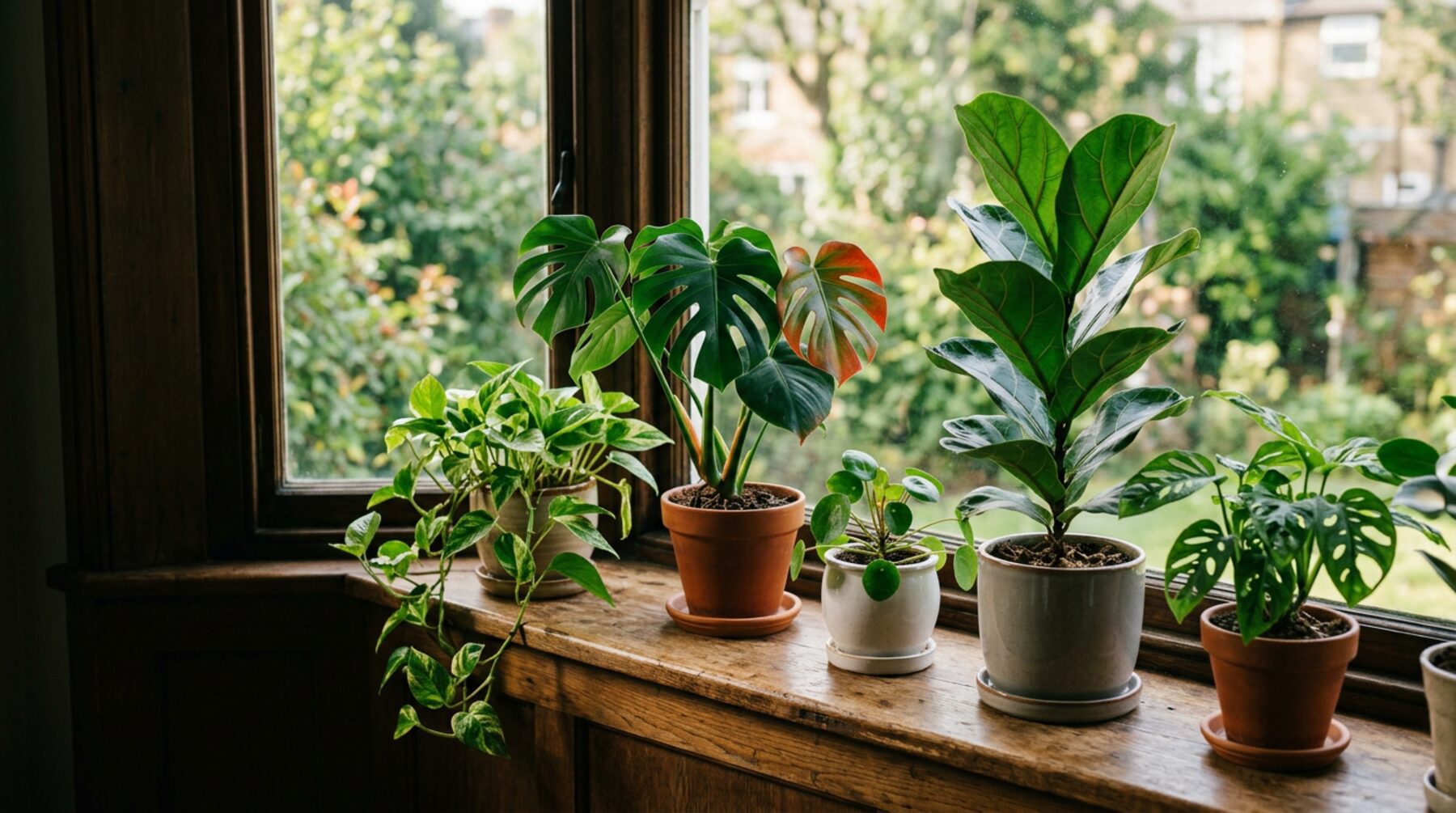
Check your own plants in the Plant Doc app for Windows. Here's an example check below.
Download Plant DocTap a plant to see its history or check it again.
01
Snap
Use your camera or upload one, and add your free Gemini key.
02
Gemini checks
The species, a 0 to 100 score, any issues, and what to do about water, light and soil.
03
Name & track
Check again later to see its score over time.
Photos go only to Google Gemini, using your own key. Your plants are saved only on this device.